CDM 2015 · Principal Contractors & Clients

One project. One duty chain. One live compliance record.

CDM compliance shouldn't live across Word, Excel, inboxes and WhatsApp.

DocRide connects your Client, Principal Designer, Principal Contractor, Designers, Subcontractors and Site Team around one project — from PCI and CPP to competence, site activity and the H&S File.

Unlimited invited duty holders and subcontractors join free.

Connect the duty chain · Control what needs attention · Prove what happened

Site & documents Live
2 documents still in progress
Pre-Construction Information
PCI · ISSUED BY THE PD
Reviewedv2
Construction Phase Plan
CPP · GENERATED FROM THE PCI
Recordedv2
Health & Safety File
OPENS WITH THE PROJECT
Not started
F10 Notification
HSE NOTIFICATION
Not assessed

The documents aren't the problem. The gaps between them are.

  • PCI in Word.
  • CPP in another folder.
  • Subbie RAMS arriving by email.
  • Training certificates in Excel.
  • Inductions on paper.
  • Incidents in WhatsApp.
  • The H&S File assembled at handover.

DocRide connects them into one project record.

One chain

Every duty holder works in the same project, with access based on their role.

One workflow

PCI feeds CPP. Subcontractors submit evidence. Site activity becomes project evidence. The H&S File grows as the project progresses.

One evidence trail

Versions, reviews, submissions, inductions, incidents, actions and decisions are recorded against the project.

One live view

See what's missing, expiring, overdue or awaiting review before it becomes someone else's problem.

Your entire CDM project. Connected.

Designers · Subcontractors · Workers · OHS Reviewers

all connected to the same project.

DocRide doesn't replace every tool on a construction project.

It connects the compliance information that those tools leave fragmented.

Not another document management system.

A CDM compliance platform built around the duty chain.

Most compliance tools start with a document:

  • Upload a RAMS.
  • Store a certificate.
  • Complete a checklist.

DocRide starts with the project and the people responsible for it.

The project comes first

Every document, worker, subcontractor, inspection, incident and action belongs to the project.

The duty holder comes with it

Everyone sees what they need to see — Client, PD, PC, Designer, Subcontractor or Site Team.

The workflow follows the work

PCI CPP Prequalification Site H&S File

The evidence stays attached

Who submitted it. Who reviewed it. What changed. When it happened. What happened next.

Supply chain

Your supply chain shouldn't be your compliance blind spot.

Invite every subcontractor into the project. They join free. Give each one the requirements relevant to their work, then review everything from one place.

  1. Subbie invited
  2. Checklist issued
  3. Documents uploaded
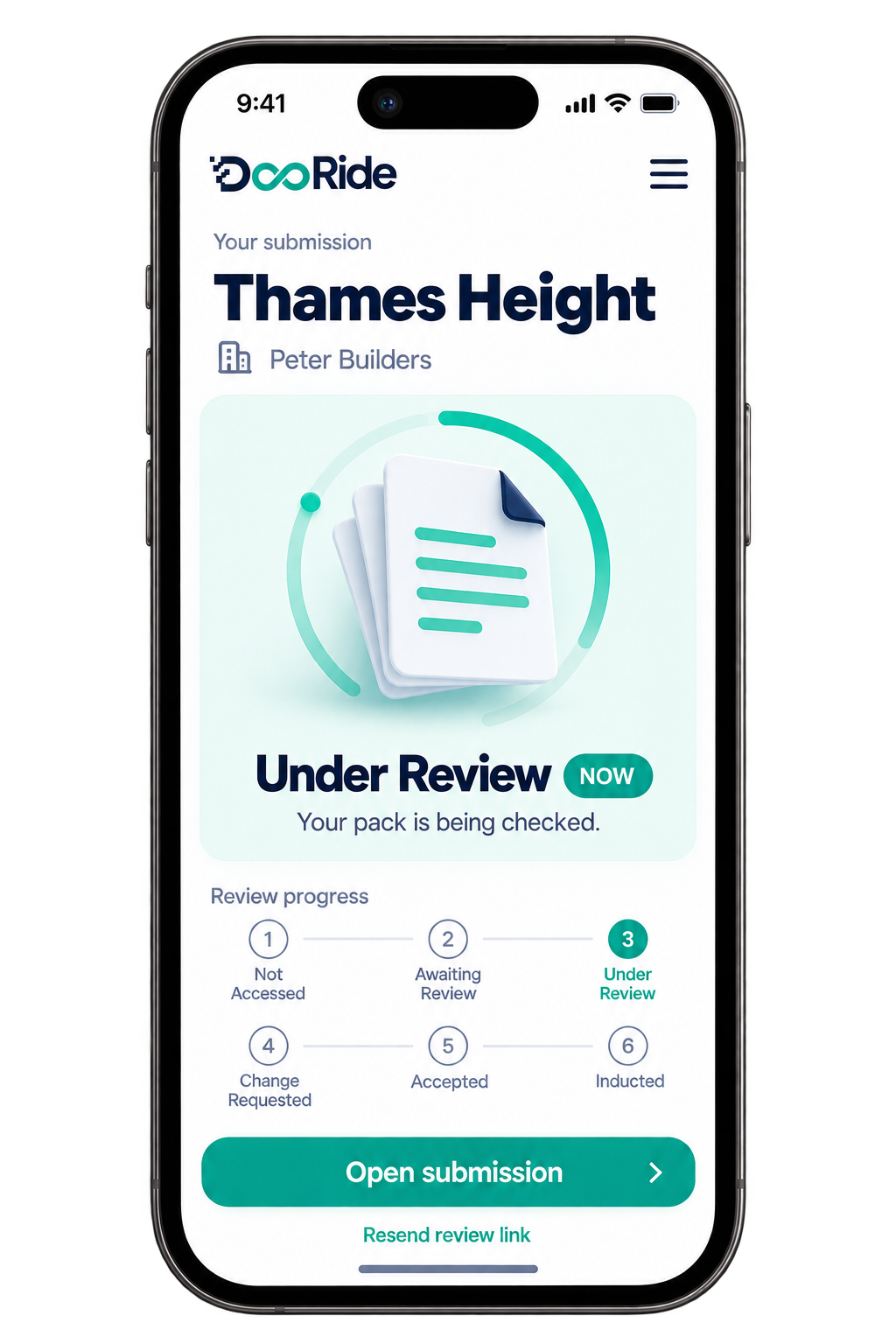
  4. PC reviews
  5. Accepted / returned
  6. Live project record

No chasing

Subbies see exactly what you need from them.

No inbox archaeology

Every submission belongs to the project.

No silent acceptance

Documents have an explicit review state.

42 documents awaiting review

One number. One click. One queue.

Stop chasing compliance. Start controlling it.

“Have you sent the RAMS?”
Submission waiting for review
“Is their certificate still valid?”
Expiry already flagged
“Where's the latest CPP?”
Current version identified
“Who hasn't been inducted?”
Live induction status
“Did anyone deal with that incident?”
Action assigned and tracked
“Can you send me the H&S File?”
Project evidence already assembled
“Who reviewed this?”
Review recorded against the document
“Where did this version come from?”
Full version history

The result: less chasing, earlier action, stronger evidence.

Live project control

Documents create the evidence. The dashboard keeps the project under control.

One live view across your own team, every subcontractor and every active project.

Green — in order Amber — action due soon Red — needs attention

People

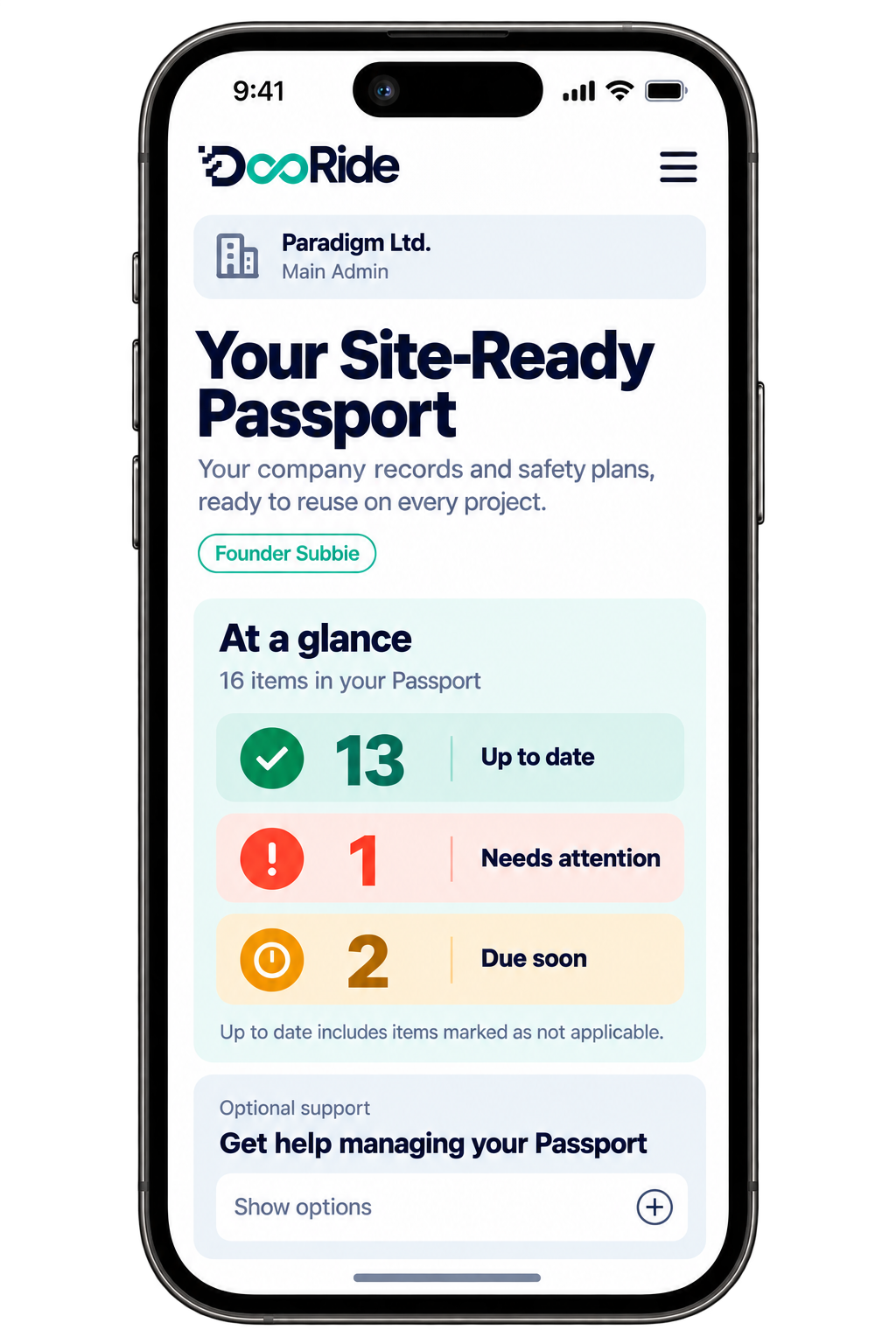
Know who's on the project, who is inducted and whose competence evidence is missing or expiring.

  • Competence pulled from each company's training matrix — no re-typing
  • Inductions recorded on site, evidenced with the signed sheet
  • Expiring tickets flagged 30 days out, before they become a stop

People on site

22people

15 people have a missing or expired certificate

3expiring 15missing/expired 10of 22 inducted

Documents

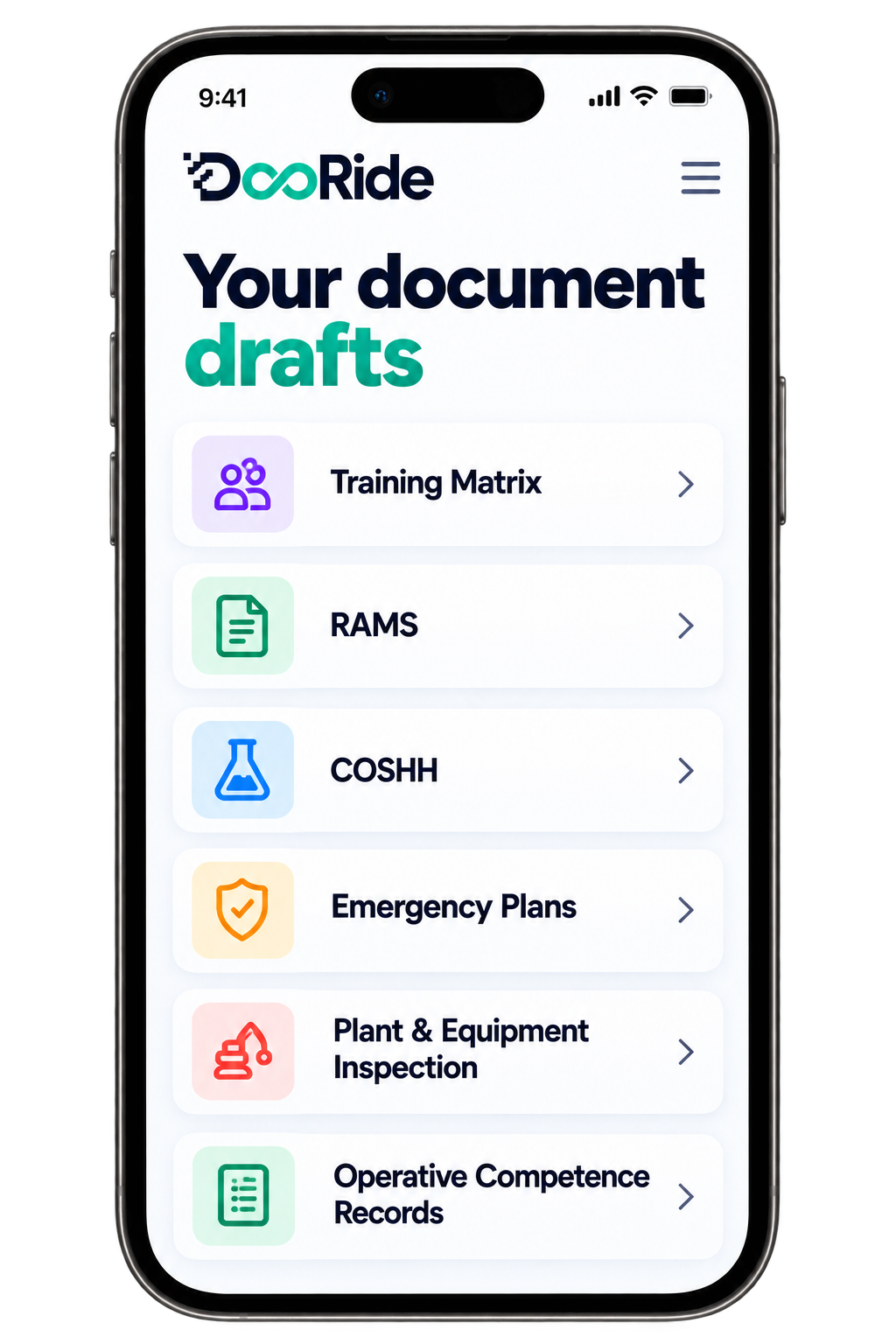
See every RAMS, COSHH assessment, emergency plan and training record awaiting review or approaching expiry.

  • One number for what needs your review — click it, deal with it
  • New versions from subbies queue for your decision, never overwrite
  • Emergency plan drills and inspections dated, with due-soon warnings

Documents & controls

42 awaiting review · 4 due within 30 days

RAMS28awaiting review
COSHH14awaiting review
Emergency plans4due soon
Training matricesall accepted

Site activity

Raised hands, incidents, toolbox talks, PPE concerns, inspections and corrective actions — recorded as they happen.

  • Raised hands flash until someone acknowledges them — nothing sits unseen
  • Incidents carry an AI RIDDOR check and a deadline to report to HSE
  • Toolbox-talk trend week on week — see engagement slipping before it does

Site activity & equipment

✋ worker raised hand awaiting acknowledgement

✋ Raised hands1open4all time
Incidents1today4all time
Actions1Open1Overdue
Toolbox talks24last 7 days30%prev 7 days
PPE concerns15missing3concerns
Equipment0Overdue5due soon

H&S File

See the project evidence building throughout the job, rather than discovering what's missing at handover.

H&S File

Building as the work happens

As-built RAMS & method records36filed
Inspections & test records58filed
Incidents & actions closed12evidenced
Outstanding at handover3items

You don't need another spreadsheet showing what is wrong. You need the system to show you what needs doing.

See your project on this dashboard — Free Trial No card needed to start. Invited duty holders join free.
Site

The compliance record doesn't end when the document is signed.

A RAMS can be perfect on paper. What happens on site is what matters.

  1. ✋ Raised hand
  2. Response
  3. Action
  4. Evidence
The CDM document flow

Four documents. One connected project.

01 — PCI

Pre-Construction Information

Owned by the Principal Designer.

Structured information in. AI-assisted draft out. Competent review before issue.

02 — CPP

Construction Phase Plan

Owned by the Principal Contractor.

Generated from the project information and PCI, then edited and versioned for the construction phase.

03 — Supply Chain

Subcontractor Prequalification

Owned by the PC. Completed by subcontractors.

The PC defines what's required. Subcontractors submit the evidence. The PC reviews and records the decision.

04 — H&S File

Health & Safety File

Started early. Built throughout.

Evidence and residual risks accumulate during the project instead of being reconstructed at handover.

The documents aren't four separate jobs. They're one project story.

AI + human review

AI does the drafting. People make the decisions.

DocRide uses AI to remove the blank page and the repetitive work — not to replace competent judgement.

AI
  1. Structures information
  2. Drafts documents
  3. Highlights issues
Competent professional
  1. Reviews
  2. Challenges
  3. Accepts / returns
  4. Owns the decision

Every review is recorded.

Reviewer · decision · date · version · audit trail

Competent review

No in-house competent reviewer?

Bring your own OHS professional into the project — or hire an independent competent professional when you need one.

One task · One review · One evidence trail

For Principal Contractors

Principal Contractors: stop being the human spreadsheet.

Your job is to control the construction phase — not spend half your day chasing certificates and attachments.

  • See every subcontractor
  • See every worker
  • See every outstanding document
  • See every overdue action
  • See what is happening on site
  • See what is ready for handover

DocRide gives the PC one place to see what needs attention.

For Clients

Clients: know whether the project is being controlled.

You appoint the PD and PC. DocRide gives you a live view of the evidence they're producing — without becoming another person chasing documents.

  • PCI issued
  • CPP in place
  • Compliance picture developing
  • Evidence retained

Everyone in the duty chain gets their own view.

Principal Designer

Create and maintain PCI.

Principal Contractor

Control the construction phase.

Subcontractor

Submit and maintain evidence.

Client

See the project and its evidence.

Site Team

Record what's happening.

Free for invited parties

Connect the whole duty chain without charging every link.

Clients, PDs, Designers, reviewers and subcontractors can join the project without paying for another subscription.

The PC pays for control.

The supply chain gets connected.

Everyone works from the same record.

Fair Usage Policy applies.

Why DocRide

Why DocRide is different

Documents organised by folders
Project organised by duty chain
Subbies email documents
Subbies submit into the project
Certificates checked manually
Expiry surfaced automatically
Reviews happen by email
Review recorded against the document
Site events sit separately
Site activity becomes project evidence
H&S File assembled at handover
H&S File builds throughout
AI produces documents
AI drafts + competent review

Other tools manage pieces of compliance. DocRide connects the project.

Proof

Built for evidence.

Every project on DocRide builds its own evidence trail — versions, reviews, submissions, inductions, incidents and actions, recorded as they happen.

Straight answers

Frequently asked questions

Why not just use Word, Excel and a folder?

You can. That's how most projects start. The problem comes when multiple duty holders, subcontractors, workers and documents need to stay coordinated throughout the project. Word stores the document. Excel stores the list. Email sends the attachment. DocRide connects the people, documents, decisions and evidence around the project.

Is DocRide a replacement for Procore or construction management software?

DocRide focuses specifically on the CDM compliance workflow and duty chain. It connects compliance information rather than attempting to replace every construction management system.

Does DocRide replace a health & safety professional?

No. AI assists with drafting and organisation. Competent people remain responsible for professional review and decisions.

Do subcontractors have to pay?

No. Invited subcontractors join the project free.

Does DocRide guarantee CDM compliance?

No software can guarantee compliance. DocRide helps duty holders manage, monitor and evidence their responsibilities.

What happens to the H&S File?

It starts with the project and develops throughout the job rather than being reconstructed at handover.

Can we use our own OHS professional?

Yes.

What if we don't have one?

You can engage a competent professional through the DocRide Marketplace.

Bring your next project

Your next project already has a duty chain. Connect it.

See what happens when your entire CDM compliance record works from one project.

Unlimited invited duty holders and subcontractors join free.

DocRide — the live compliance record for the CDM 2015 duty chain.